
Desktop
What’s New?
3D Desktop Effects
Navigating Xandros Desktop just got easier. View your virtual desktops as the sides of a three dimensional cube. Rotate your cube 360 degrees around its Y axis. Unfold the cube to quickly find open Windows. 3D effects are fun and help increase productivity. Learn more about the exciting 3D effects in Xandros Desktop – Professional.
Desktop Search
The Xandros Desktop Search tool indexes your folders files and e-mails to help you quickly search with keywords or phrases.
Bluetooth Wireless Support
Connect your mouse, keyboard, headset, PDA and other bluetooth compatible devices to Xandros Desktop – Professional.
Broadband Mobile Support
Get the power of highspeed Internet on the road. Connect your UMTS, GSM and 3G device to your Xandros Desktop – Professional for high speed on the go.
Xandros Network Connection System
The Xandros Connection System helps you manage network connections and includes improved wireless support. The system enables you to store network profiles (including wireless encryption keys) and facilitates smoother transitioning from one network connection to another. Works with wired, wireless, dial-up, 3G mobile and PPTP VPN connections.
NTFS Read and Write
While Xandros has always supported dual-booting on the same PC as Windows, until now you could only read from a Windows NTFS partition. Now, you can both read and write to their NTFS partition from Xandros.
Firefox Version 2.0
The newest version of Firefox includes improved tabbed browsing and search, spell checking, Web feeds and identity theft protection.
Application Updates
Updated versions of OpenOffice.org, Evolution and much more…
Get Xandros Desktop
Xandros Desktop Professional with applications, tools and support costs $99.99.
Click here ».
Testimonials
Screenshots
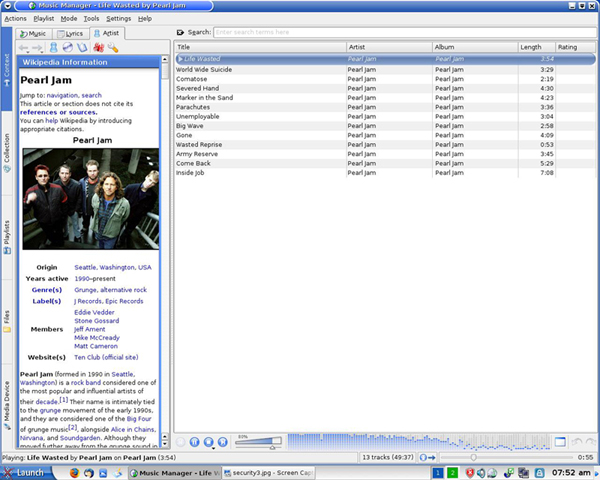
Organize and play your favorite songs
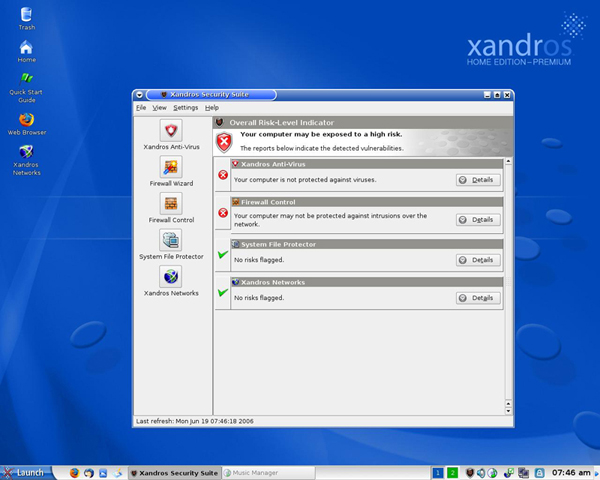
Xandros Security Suite
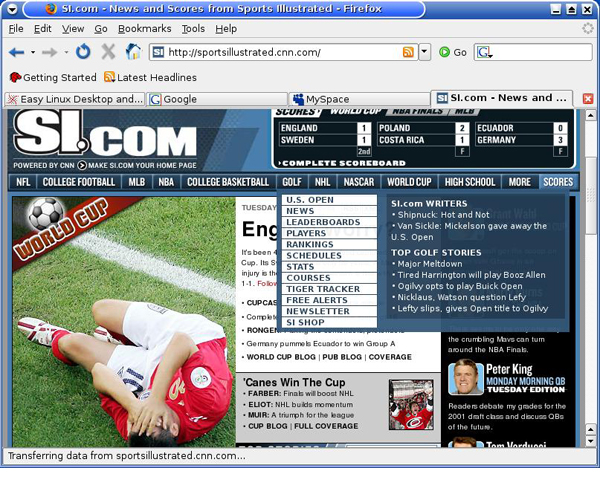
Surf the Web with Firefox